Tools / Blog / Split a Large PDF into Smaller Files – Free Online Tool
Split a Large PDF into Smaller Files – Free Online Tool
When splitting a PDF makes sense
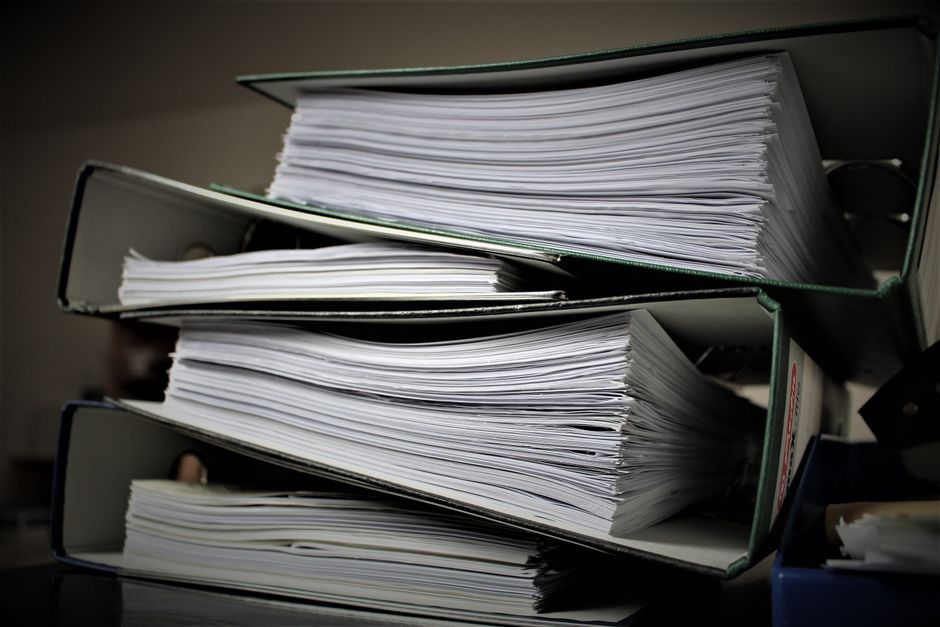
Large PDFs can be hard to share, load slowly, or exceed email size limits. Breaking them into logical sections—chapters, reports, or invoices—makes distribution easier. Smaller files also reduce the risk of corruption during transfer.
How to use the free online Split PDF tool
Visit the Split PDF page (/pdf-split/) in your browser. Drag or select the PDF, choose the page ranges you need, and click Split. The service processes the file on the server and provides separate download links for each part.
Setting page ranges correctly
You can split by individual pages, by a range (e.g., 1-10), or by a fixed number of pages per file. The interface shows a preview of the total page count so you can avoid overlapping ranges. After confirming, the tool creates the new PDFs instantly.
Managing many output files
If you need dozens of parts, group them into zip archives to keep downloads tidy. Rename each file immediately to reflect its content, which helps later searching. Most browsers let you select multiple downloads at once.
Privacy and file safety
The uploaded PDF is stored only for the duration of the split operation and is deleted automatically afterward. No personal data is collected, and the connection uses HTTPS encryption. For highly confidential documents, consider using a local PDF editor instead.
Further reading: Wikipedia.
Try Split PDF →Frequently asked questions
Can I split a password-protected PDF?
The online tool can handle PDFs protected with a simple password; enter it when prompted, and the split will proceed.
Is there a size limit for the PDF I can upload?
The service accepts files up to 100 MB, which covers most multi-page documents.
Do the split files retain the original formatting?
Yes, the tool extracts pages without altering fonts, images, or layout.
How long does the splitting process take?
Processing usually finishes within seconds for typical files; larger PDFs may take a minute or two.
Part of the FinTaxLife ecosystem.
Explore FinTaxLife →